こんにちは、まぐです。
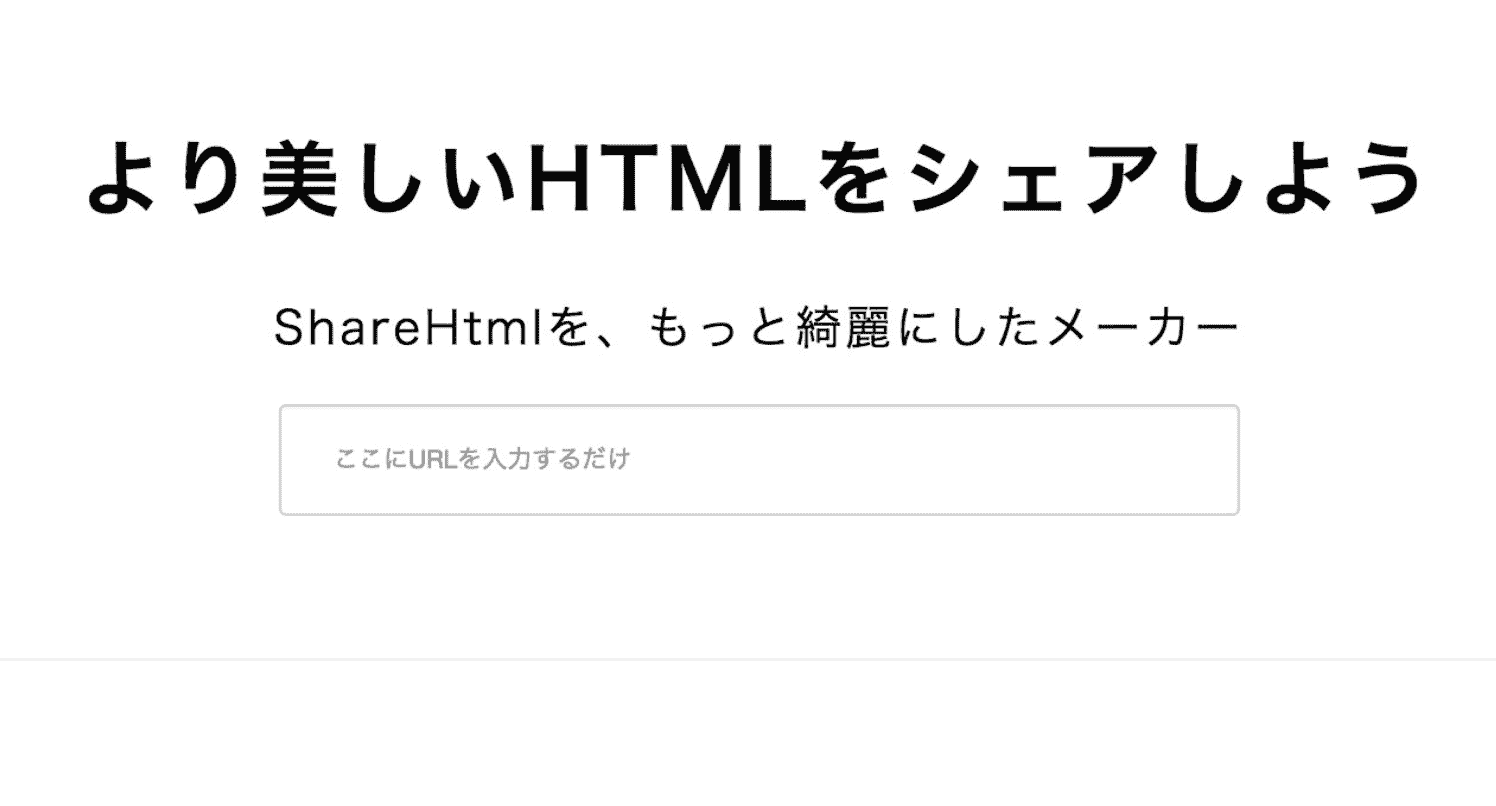
久しぶりにブログを再開したところ「ShareHtmlを、もっと綺麗にしたメーカー」が閉鎖されてました…。
以下のやつですね。ブロガーのマナブ氏が作成したものですが、シンプルなデザインが非常に好きだったので閉鎖されたのはとても悲しい。
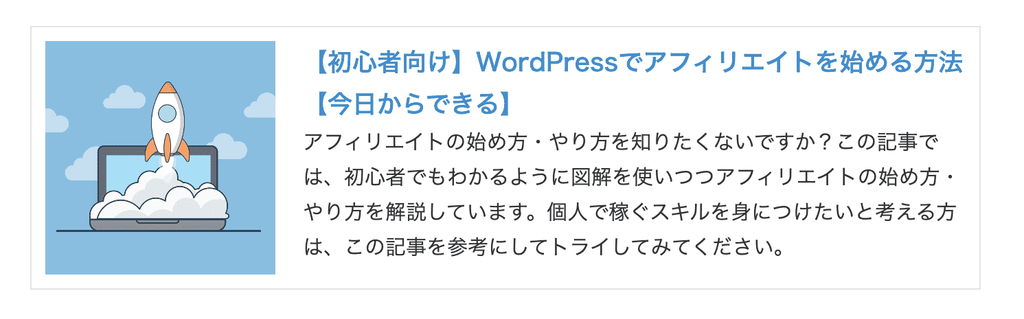
ということで、同様のデザインになるように専用ブロックを自作しました。使ってみると、以下のようにブログカードがつくれます。
※当ブログは「SWELL」というWordPressテーマを使用しています。他テーマだとデザインが崩れる可能性がありますのでご了承くださいませ。
※あと、既存のブログカードのデザインも崩れる可能性があります。
もくじ
「ShareHtmlを、もっと綺麗にしたメーカー」風ブログカードの作り方

手順は簡単3ステップです。
まずは「function.php」に貼り付け
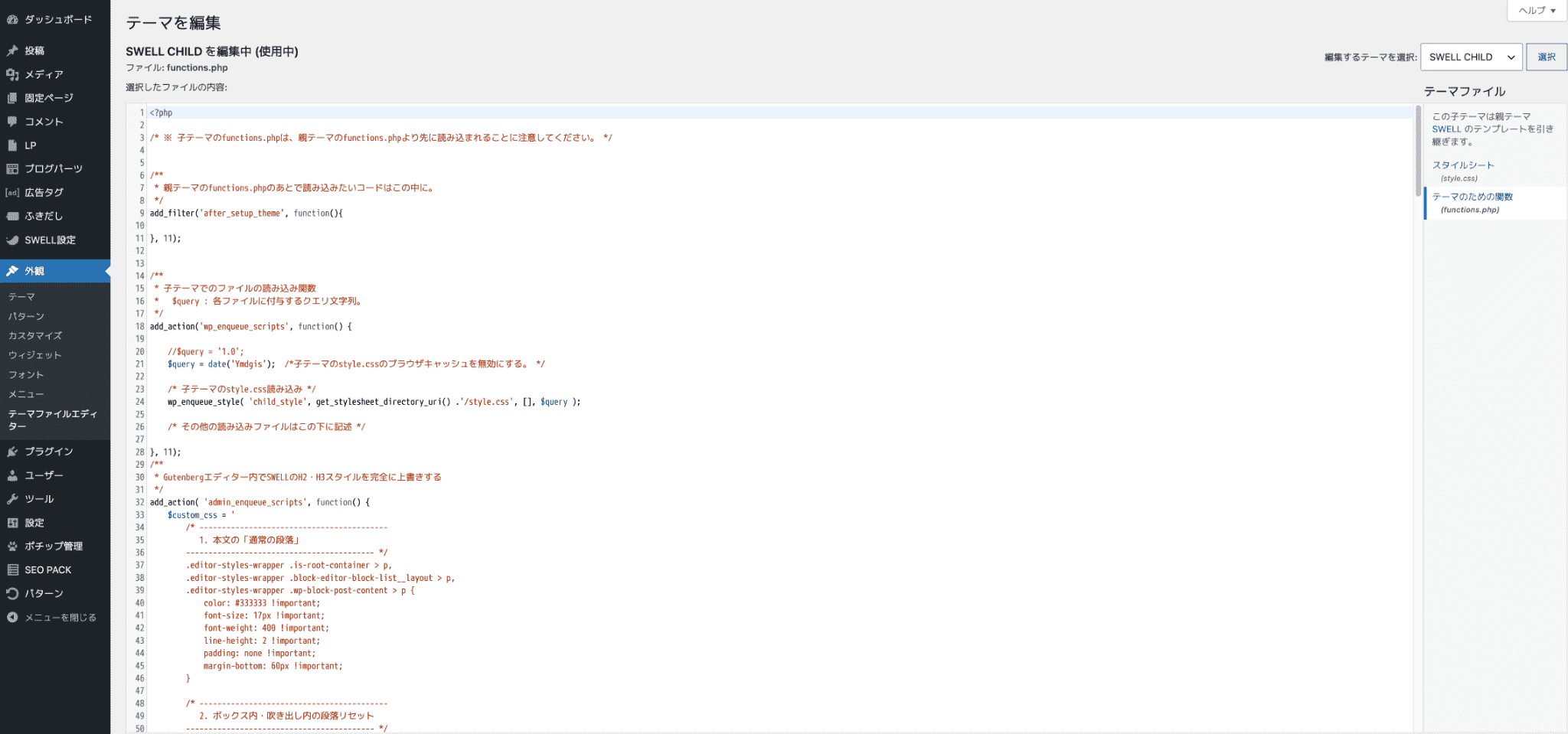
まずは、以下のコードをfunction.phpに貼り付けます。
// ==========================================
// 1. ブログカードのHTML出力ロジック
// ==========================================
function generate_custom_blogcard_html( $url ) {
    if ( empty( $url ) ) {
        return '<div style="padding:15px; border:1px dashed #ccc; color:#888; text-align:center;">URLがセットされていません。</div>';
    }

    // キャッシュ(一時保存)の読み込み
    $transient_name = 'blogcard_' . md5( $url );
    $html = get_transient( $transient_name );

    if ( false === $html ) {
        $response = wp_remote_get( $url, array( 'timeout' => 10 ) );
        if ( is_wp_error( $response ) || wp_remote_retrieve_response_code( $response ) !== 200 ) {
            return '<div style="padding:10px; border:1px solid #e1e1e1; background:#fff;"><a href="' . esc_url( $url ) . '" target="_blank" rel="noopener noreferrer">' . esc_url( $url ) . '</a>(※情報の取得に失敗しました)</div>';
        }

        $body = wp_remote_retrieve_body( $response );

        $doc = new DOMDocument();
        @$doc->loadHTML( mb_convert_encoding( $body, 'HTML-ENTITIES', 'UTF-8' ) );
        $xpath = new DOMXPath( $doc );

        // タイトル取得
        $title = '';
        $og_title = $xpath->query('//meta[@property="og:title"]/@content');
        if ( $og_title->length > 0 ) {
            $title = $og_title->item(0)->nodeValue;
        } else {
            $title_nodes = $xpath->query('//title');
            if ( $title_nodes->length > 0 ) $title = $title_nodes->item(0)->nodeValue;
        }

        // 画像取得
        $image = '';
        $og_image = $xpath->query('//meta[@property="og:image"]/@content');
        if ( $og_image->length > 0 ) $image = $og_image->item(0)->nodeValue;

        // 概要文取得
        $description = '';
        $og_desc = $xpath->query('//meta[@property="og:description"]/@content');
        if ( $og_desc->length > 0 ) {
            $description = $og_desc->item(0)->nodeValue;
        } else {
            $meta_desc = $xpath->query('//meta[@name="description"]/@content');
            if ( $meta_desc->length > 0 ) $description = $meta_desc->item(0)->nodeValue;
        }

        if ( mb_strlen( $description ) > 120 ) {
            $description = mb_substr( $description, 0, 120 ) . '...';
        }

        $bg_style = $image ? ' style="background-image: url(' . esc_url( $image ) . ');"' : '';

        // ブログカードHTML
        $html = '<a href="' . esc_url( $url ) . '" class="link-box" target="_blank" rel="noopener noreferrer" style="text-decoration: none; color: inherit;">';
        $html .= '<div class="img-box"><div' . $bg_style . '></div></div>';
        $html .= '<div class="text-box">';
        $html .= '<div class="title">' . esc_html( $title ) . '</div>';
        $html .= '<div class="description">' . esc_html( $description ) . '</div>';
        $html .= '</div>';
        $html .= '</a>';

        set_transient( $transient_name, $html, DAY_IN_SECONDS );
    }

    return $html;
}

// ショートコード [blogcard url="..."] 互換
add_shortcode( 'blogcard', function( $atts ) {
    $atts = shortcode_atts( array( 'url' => '' ), $atts, 'blogcard' );
    return generate_custom_blogcard_html( $atts['url'] );
});


// ==========================================
// 2. 元のCSSを完全適用(表側・エディタ共通)
// ==========================================
function custom_blogcard_style() {
    $css = "
    .link-box {
        border: 1px solid #e1e1e1 !important;
        padding: 10px !important;
        display: flex !important;
        margin: 0 !important;
        box-sizing: border-box !important;
        background: #fff;
    }
    .link-box:hover {
        background-color: #f3f3f3 !important;
        -webkit-transition: background-color .35s !important;
        transition: background-color .35s !important;
    }
    .img-box {
        width: 25% !important;
        float: left !important;
    }
    .img-box div {
        min-height: 170px !important;
        background-size: cover !important;
        background-position: center center !important;
    }
    .text-box {
        width: 75% !important;
        float: left !important;
        padding-left: 20px !important;
        line-height: 1.7 !important;
        margin: 0 !important;
        box-sizing: border-box !important;
    }
    .text-box .title {
        font-size: 18px !important;
        font-weight: 600 !important;
        color: #428bca !important;
        padding: 0 !important;
        margin: 0 !important;
    }
    .text-box .description {
        font-size: 15px !important;
        color: #333 !important;
        padding: 0 !important;
        margin: 0 !important;
    }
    @media only screen and (max-width: 479px) {
        .img-box div {
            min-height: 80px !important;
        }
        .text-box {
            margin-left: 10px !important;
            padding-left: 0 !important;
            line-height: 1.5 !important;
        }
        .text-box .title {
            font-size: 13px !important;
            margin: 0 !important;
        }
        .text-box .description {
            font-size: 11px !important;
            margin-top: 5px !important;
        }
    }
    ";
    wp_register_style( 'custom-blogcard-css', false );
    wp_enqueue_style( 'custom-blogcard-css' );
    wp_add_inline_style( 'custom-blogcard-css', $css );
}
add_action( 'enqueue_block_assets', 'custom_blogcard_style' );


// ==========================================
// 3. ブロック登録
// ==========================================
function register_custom_blogcard_gutenberg_block() {
    $js_code = "
    ( function( wp ) {
        var registerBlockType = wp.blocks.registerBlockType;
        var el = wp.element.createElement;
        var TextControl = wp.components.TextControl;
        var Button = wp.components.Button;
        var Placeholder = wp.components.Placeholder;
        var BlockControls = wp.blockEditor ? wp.blockEditor.BlockControls : wp.editor.BlockControls;
        var ToolbarGroup = wp.components.ToolbarGroup || wp.components.Toolbar;
        var ToolbarButton = wp.components.ToolbarButton;
        var ServerSideRender = wp.serverSideRender || wp.components.ServerSideRender;

        registerBlockType( 'custom/blogcard-block', {
            title: 'オリジナルブログカード',
            icon: 'admin-links',
            category: 'embed',
            attributes: {
                url: { type: 'string', default: '' },
                isEditing: { type: 'boolean', default: true }
            },
            edit: function( props ) {
                var url = props.attributes.url;
                var isEditing = props.attributes.isEditing;

                if ( ! url || isEditing ) {
                    return el( Placeholder, {
                        icon: 'admin-links',
                        label: 'オリジナルブログカード',
                        instructions: 'ブログカードにしたい記事のURLを入力してください。'
                    },
                        el( 'form', {
                            onSubmit: function( e ) {
                                e.preventDefault();
                                if ( url ) {
                                    props.setAttributes( { isEditing: false } );
                                }
                            },
                            style: { display: 'flex', width: '100%', gap: '8px' }
                        },
                            el( TextControl, {
                                placeholder: 'https://example.com/...',
                                value: url,
                                onChange: function( newUrl ) {
                                    props.setAttributes( { url: newUrl } );
                                },
                                style: { flexGrow: 1, marginBottom: 0 }
                            }),
                            el( Button, {
                                isPrimary: true,
                                type: 'submit'
                            }, 'カードを作成' )
                        )
                    );
                }

                return el( wp.element.Fragment, {},
                    el( BlockControls, {},
                        el( ToolbarGroup, {},
                            el( ToolbarButton, {
                                icon: 'edit',
                                title: 'URLを再編集',
                                onClick: function() {
                                    props.setAttributes( { isEditing: true } );
                                }
                            })
                        )
                    ),
                    el( ServerSideRender, {
                        block: 'custom/blogcard-block',
                        attributes: props.attributes
                    })
                );
            },
            save: function() {
                return null;
            }
        } );
    } )( window.wp );
    ";

    wp_register_script(
        'custom-blogcard-block-js',
        '',
        array( 'wp-blocks', 'wp-element', 'wp-components', 'wp-block-editor', 'wp-server-side-render' ),
        '1.4',
        true
    );
    wp_add_inline_script( 'custom-blogcard-block-js', $js_code );

    register_block_type( 'custom/blogcard-block', array(
        'editor_script' => 'custom-blogcard-block-js',
        'render_callback' => function( $attributes ) {
            $url = isset( $attributes['url'] ) ? $attributes['url'] : '';
            return generate_custom_blogcard_html( $url );
        },
        'attributes' => array(
            'url' => array( 'type' => 'string', 'default' => '' ),
            'isEditing' => array( 'type' => 'boolean', 'default' => true )
        )
    ) );
}
add_action( 'init', 'register_custom_blogcard_gutenberg_block' );
次にCSSにコードを貼り付ける
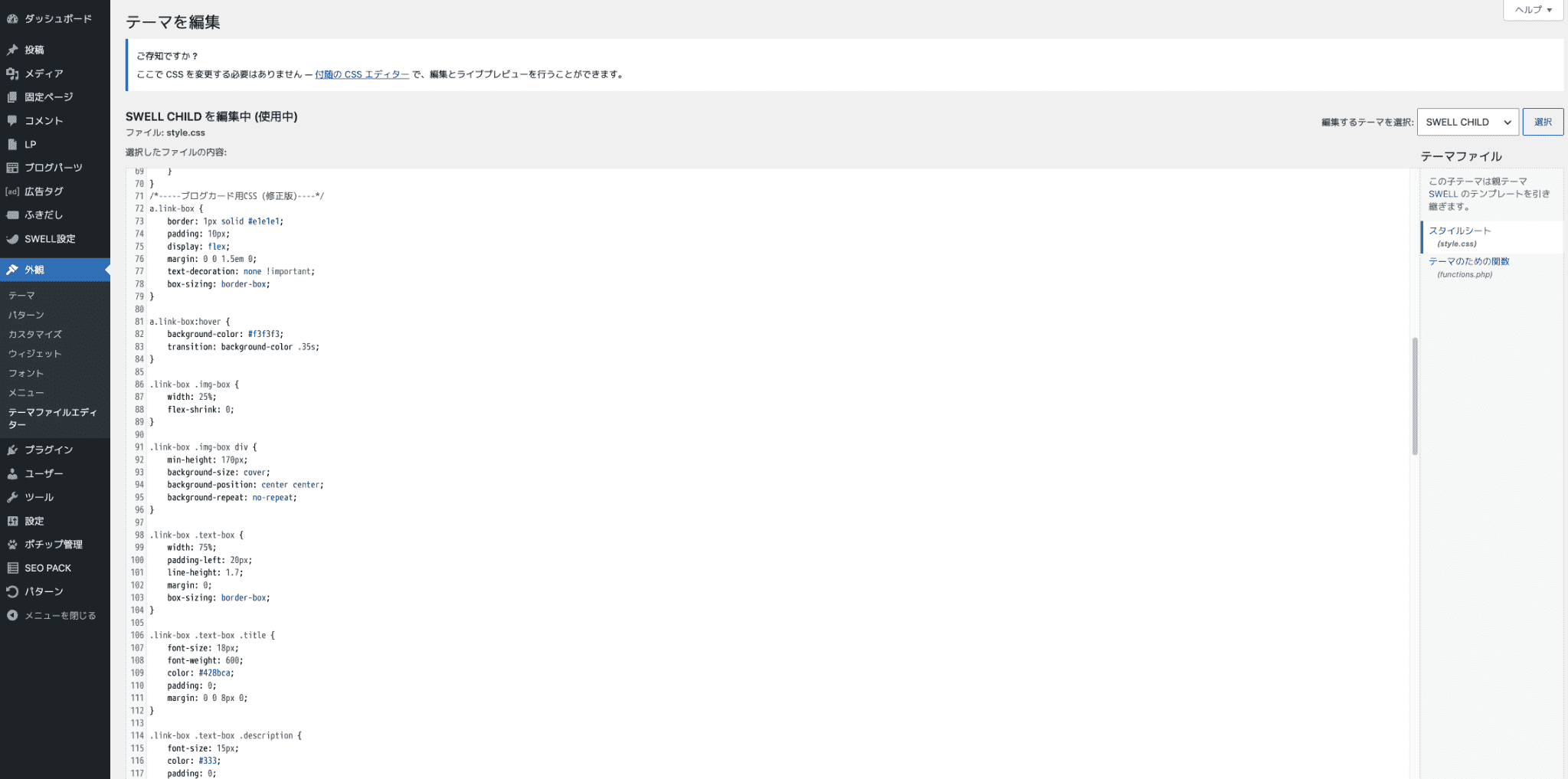
次にCSSに以下を貼り付けしてください。(カスタムの追加CSSだと公開出来ない場合があるのでスタイルシートに直接入力するのがおすすめ)
/*-----ブログカード用CSS (修正版)----*/
a.link-box {
	border: 1px solid #e1e1e1;
	padding: 10px;
	display: flex;
	margin: 0 0 1.5em 0;
	text-decoration: none !important;
	box-sizing: border-box;
}

a.link-box:hover {
	background-color: #f3f3f3;
	transition: background-color .35s;
}

.link-box .img-box {
	width: 25%;
	flex-shrink: 0;
}

.link-box .img-box div {
	min-height: 170px;
	background-size: cover;
	background-position: center center;
	background-repeat: no-repeat;
}

.link-box .text-box {
	width: 75%;
	padding-left: 20px;
	line-height: 1.7;
	margin: 0;
	box-sizing: border-box;
}

.link-box .text-box .title {
	font-size: 18px;
	font-weight: 600;
	color: #428bca;
	padding: 0;
	margin: 0 0 8px 0;
}

.link-box .text-box .description {
	font-size: 15px;
	color: #333;
	padding: 0;
	margin: 0;
}

@media only screen and (max-width: 479px) {
	.link-box .img-box div {
		min-height: 80px;
	}

	.link-box .text-box {
		padding-left: 10px;
		line-height: 1.5;
	}

	.link-box .text-box .title {
		font-size: 13px;
		margin: 0 0 4px 0;
	}

	.link-box .text-box .description {
		font-size: 11px;
	}
}
/*-----New Share HTML----*/
編集画面で「オリジナルブログカード」を使用する
編集画面にて、ブログカードのブロックが表示されるかと思うので、そちらをご使用ください。(オリジナルブログカードで検索)
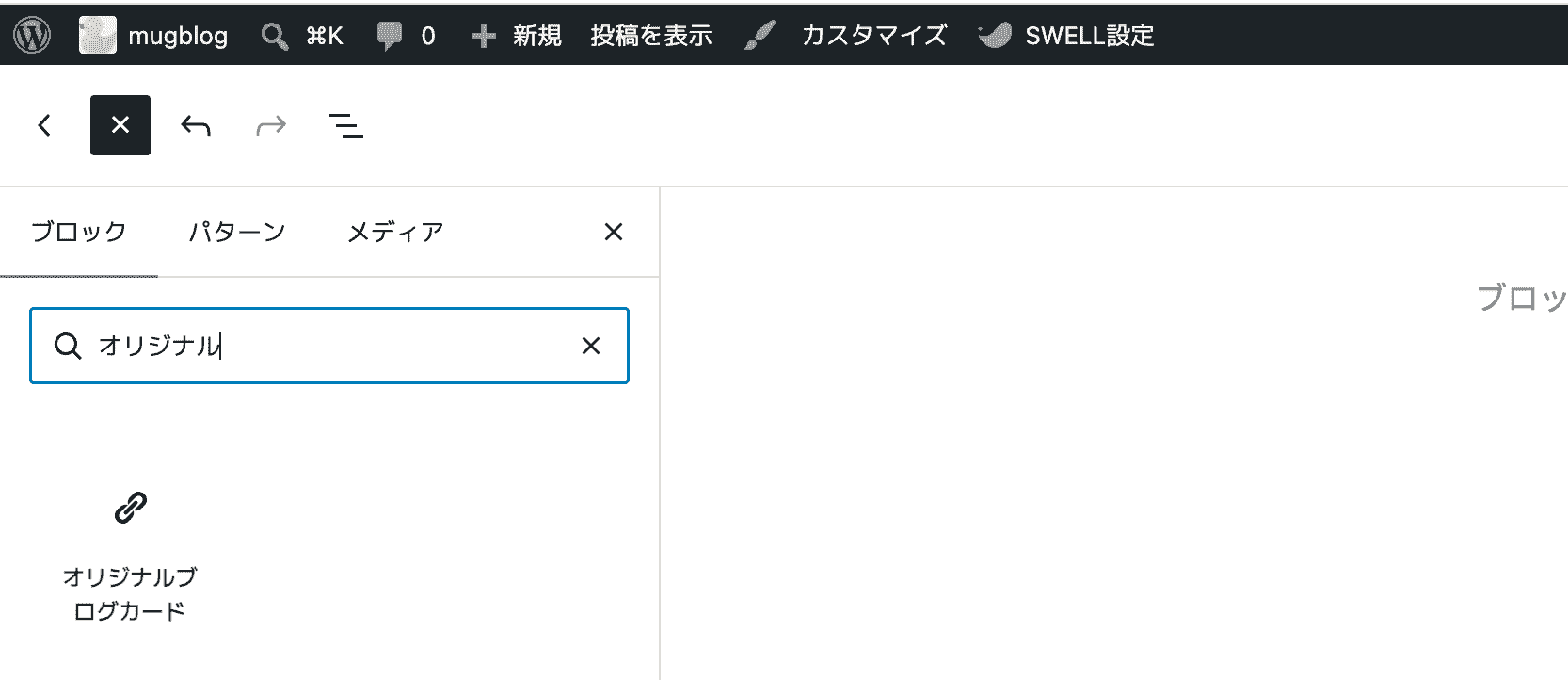
カード化したい記事のURLを入力することで、「ShareHtmlを、もっと綺麗にしたメーカー」と同様のデザインでブログカードをつくることが出来ます。
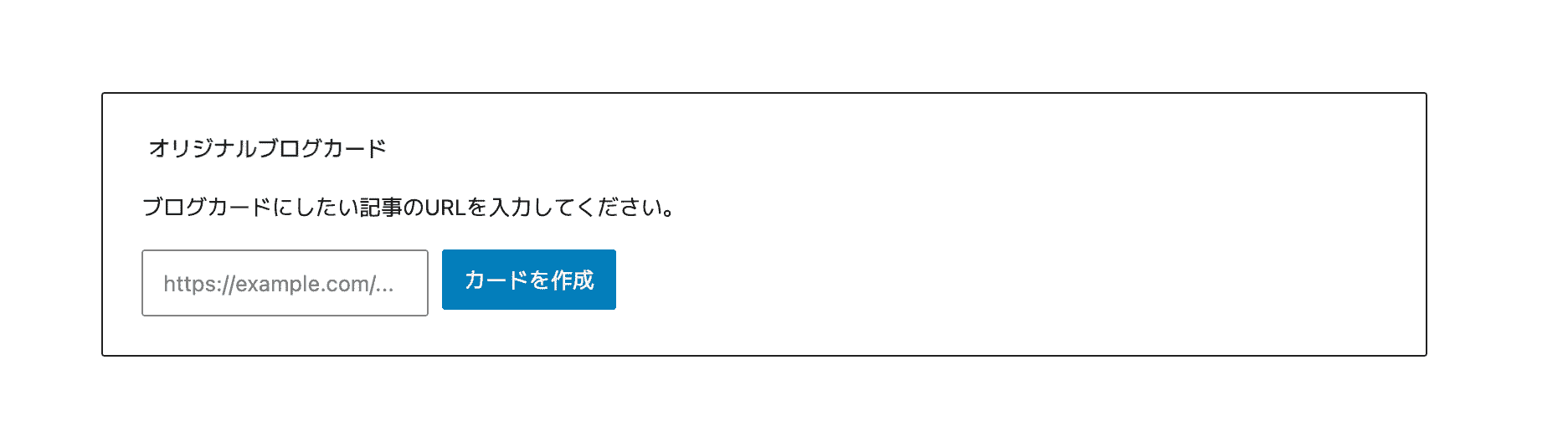
簡単シンプルで使いやすいかなと思います。
まとめ:プログラミングのスキルがあればもっと自由にできる

僕はGeminiを使用して、今回のプログラムを作成しました。
その中で思ってるのは、「プログラミングの知識があればもっと簡単に作成できるのに」ですね。以前トライしようとしましたが、挫折しました。
プログラミングの知識があれば食っていけます。SkillHacks(スキルハックス)などプログラミングスクールは豊富に存在するので、興味がある方はトライしてください。
それでは今回は以上です。